
Skip to main content
How Can We Help?
Once you have added an administrator to MiBaseNZ, if required, you are able to edit their details.
To do this go to Setup -> Add Admins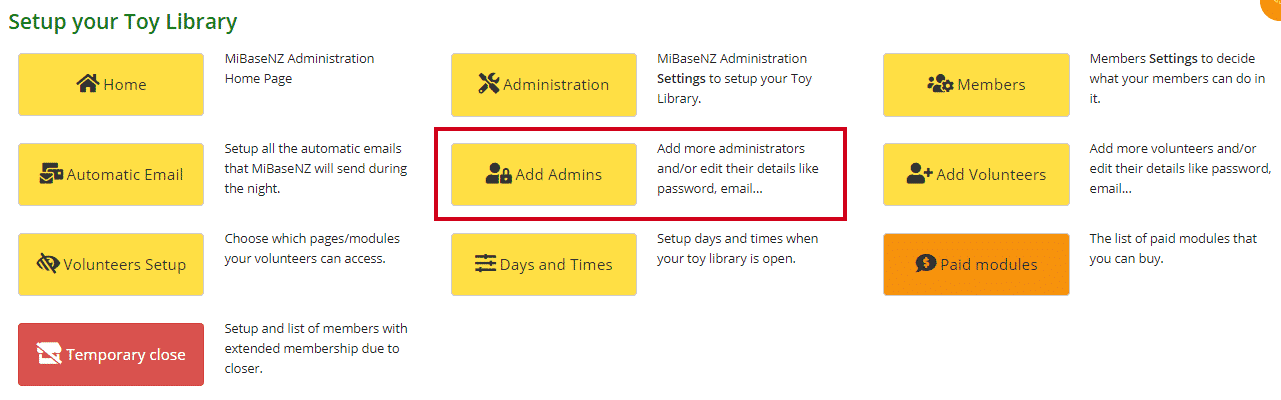
Choose the administrator you would like to change from the list. Click the pink Edit button.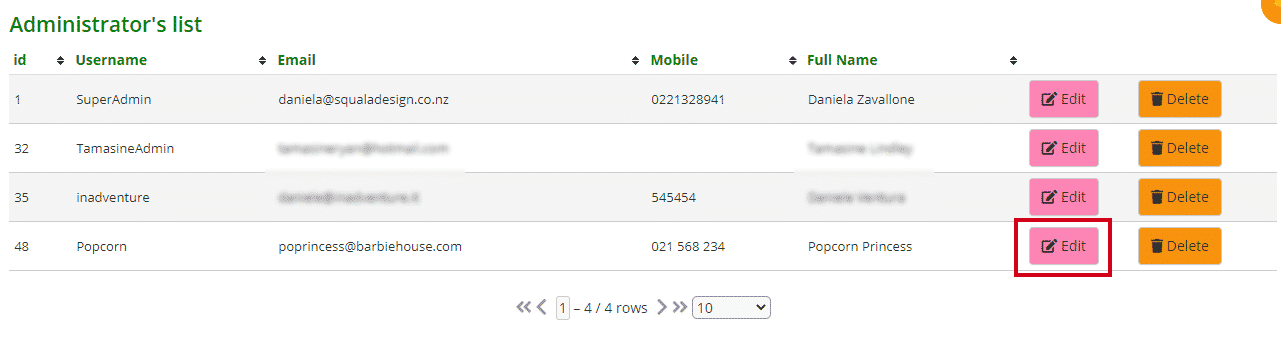
You will see all their details. Make the changes.
Note: even though the password field is blank, the current password still stands unless you change it.
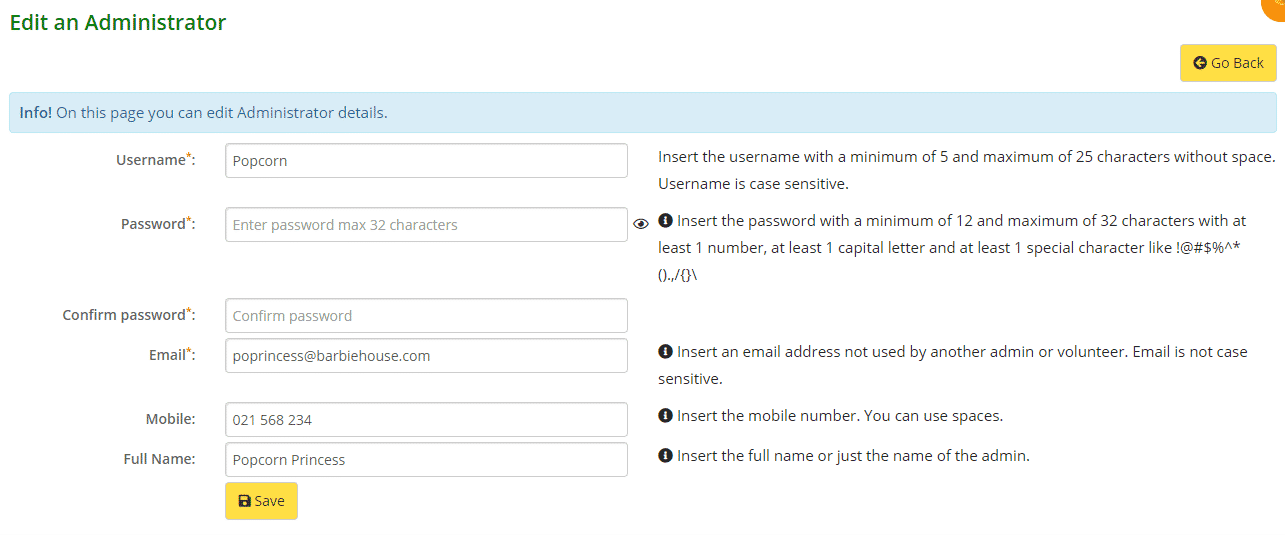
- Username: without any space or special characters. This must be unique, no administrators (including volunteers) can have the same username
- Password: minimum of 12 and maximum of 32 characters using at least 1 number, 1 capital letter, and 1 special character, with no spaces. Passwords must be unique, no administrators (including volunteers) can have the same password
- Confirm password: this is a newly added feature
- Email: this address must be unique, it cannot be the same as any other administrators or volunteers
- Mobile number, you can use spaces here
- Full Name: you can use spaces here
Click Save.
